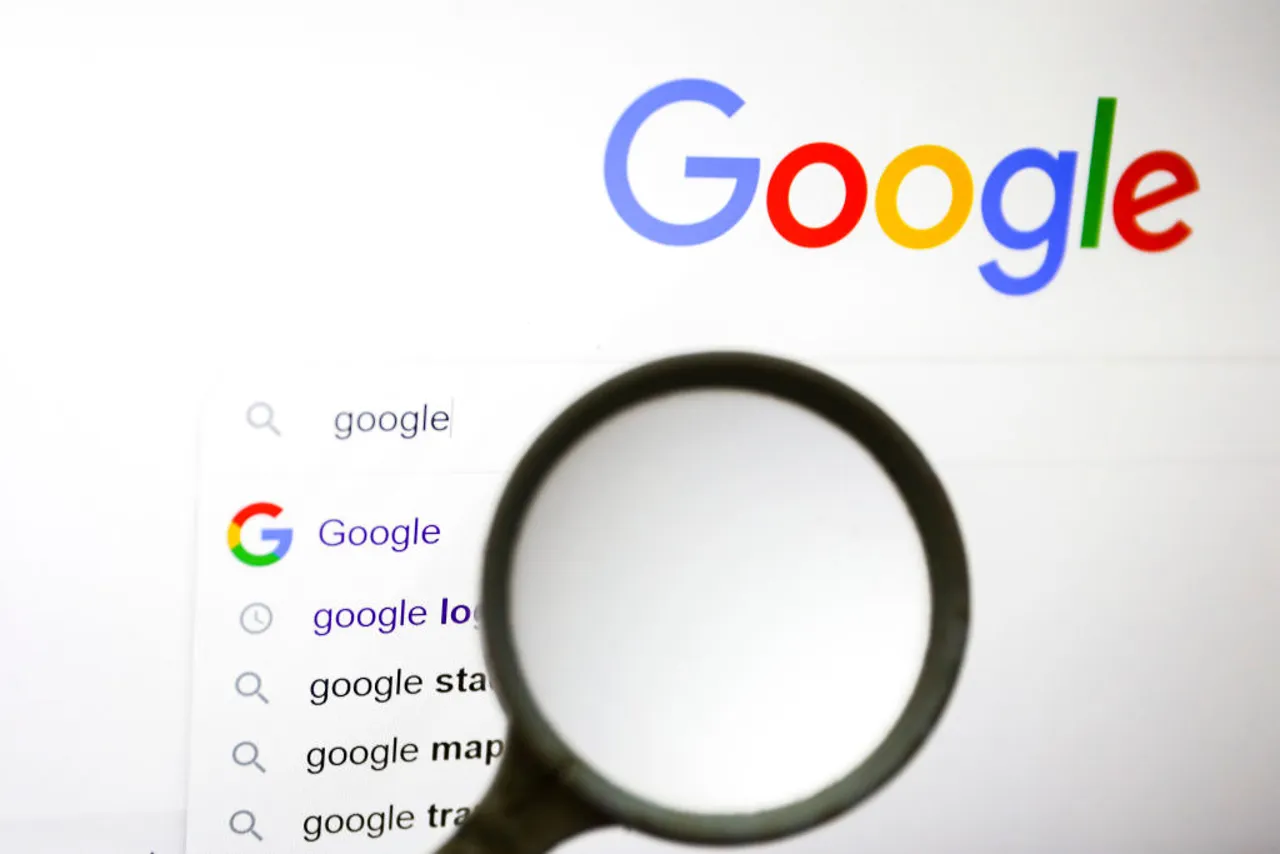
Google is the most popular search engine, but many people don’t know how to use it to its full potential. With a few simple tricks, you can save time and get more accurate results.
1. Use Quotation Marks (“ ”)
•Search for an exact phrase.
•Example: typing “digital marketing tips” will only show results with that exact phrase.
2. Use the Minus Sign (-)
•Exclude words you don’t want.
•Example: apple -fruit will show results about Apple (the company), not the fruit.
3. Use Site Search (site:)
•Search within one website.
•Example: site:bbc.com climate change will show only BBC results.
4. Use Define:
•Quickly get word definitions.
•Example: define:entrepreneur
5. Use Filetype Search (filetype:)
•Find specific files.
•Example: filetype:pdf business plan
6. Ask Questions Directly
•Type your question as if you’re asking a person.
•Example: What is the capital of Japan?
Tip: Use Google’s Tools option to filter by date, location, or type of content.