
How To
-
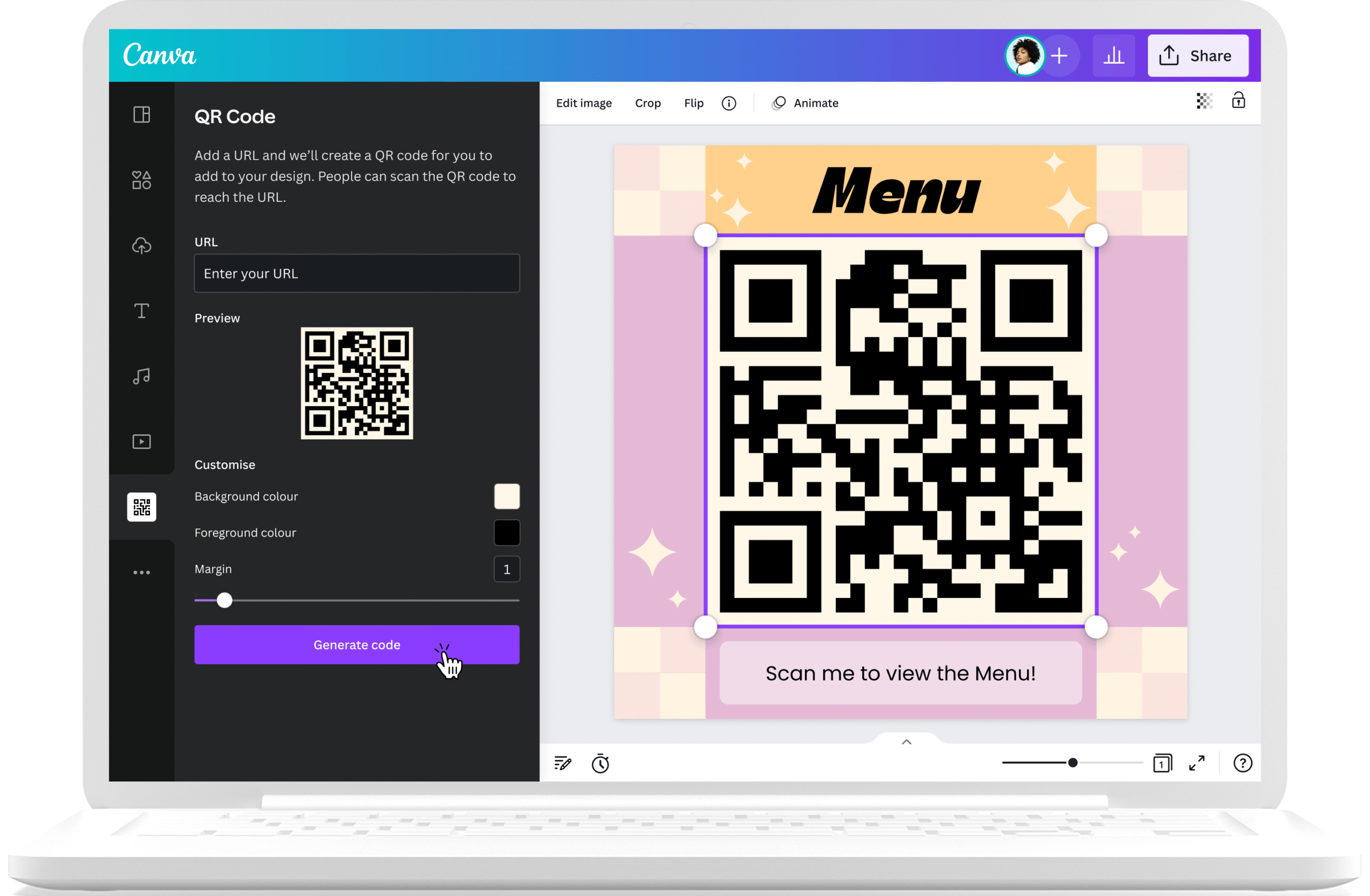
How to Create a QR Code for Free
QR codes are everywhere from restaurant menus to business cards. They make it easy for people to scan and…
Read More » -
How to Transfer Files Between Phone and Computer
Sometimes you need to move photos, videos, music, or documents between your phone and computer. Luckily, there are…
Read More » -
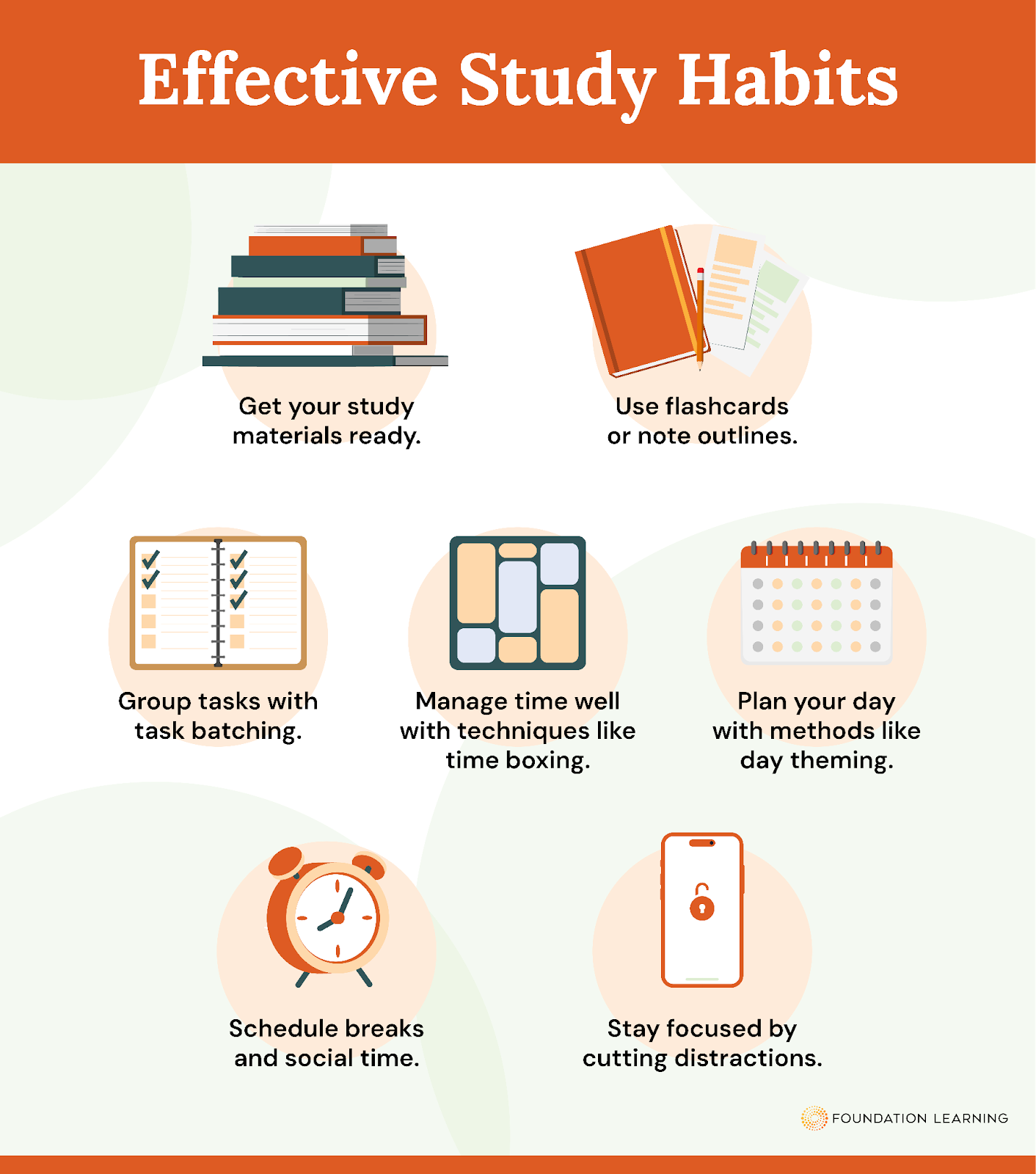
How to Build Better Study Habits
Studying effectively isn’t just about spending long hours with your books it’s about building smart habits that help…
Read More » -
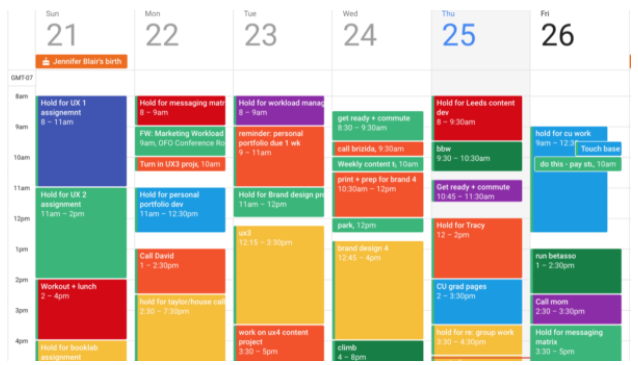
How to Use Google Calendar to Stay Organized
Staying organized can be a challenge, especially when juggling school, work, and personal life. Google Calendar is a…
Read More » -
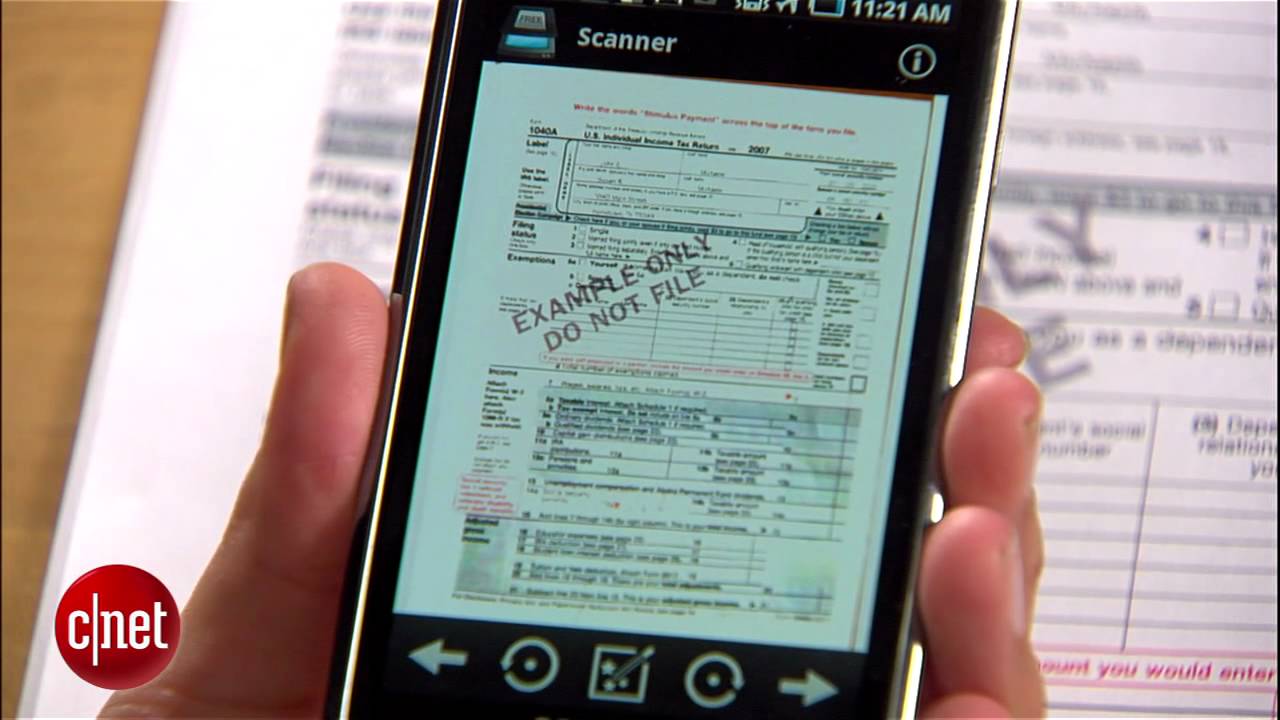
How to Scan Documents with Your Phone
Gone are the days when you needed a big scanner to copy papers. Today, your smartphone can scan…
Read More » -
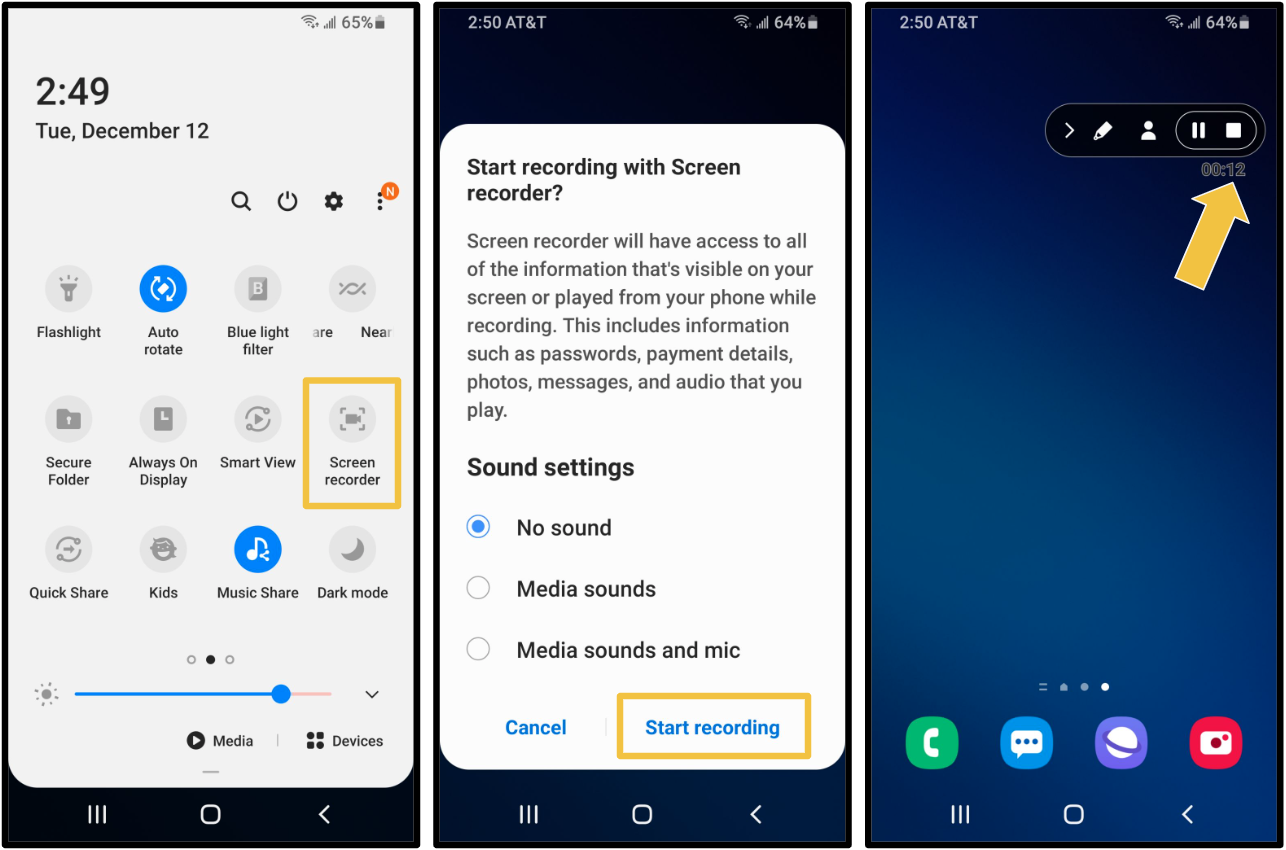
How to Record Your Screen on Android or iPhone
Screen recording is a handy feature that lets you capture what’s happening on your phone whether you’re making a…
Read More » -
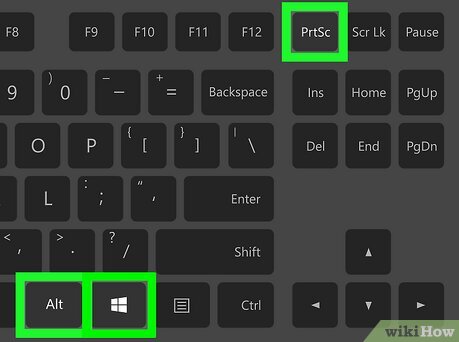
How to Take a Screenshot on Your Computer
Taking a screenshot is one of the easiest ways to capture and share what’s on your computer screen.…
Read More » -
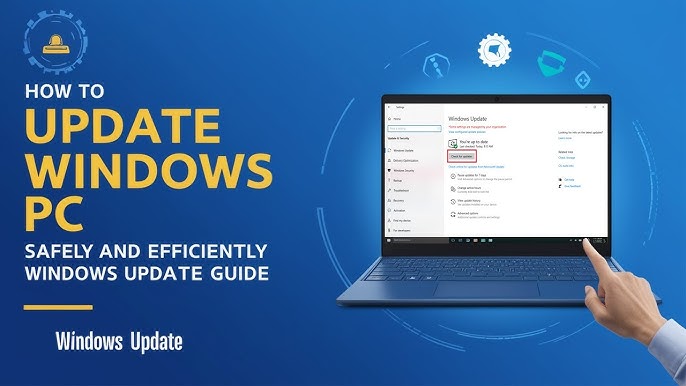
How to Update Your Computer Software Safely
Keeping your computer software up to date is important for security, performance, and accessing new features. However, many people…
Read More » -
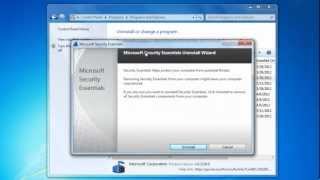
How to Install and Uninstall Software Properly
Installing and uninstalling software might sound simple, but doing it the right way helps keep your computer safe,…
Read More » -
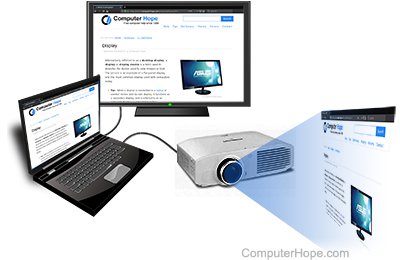
How to Connect Your Computer to a Projector or TV
Connecting your computer to a projector or TV can be useful for presentations, watching movies on a bigger…
Read More »